Skip to content
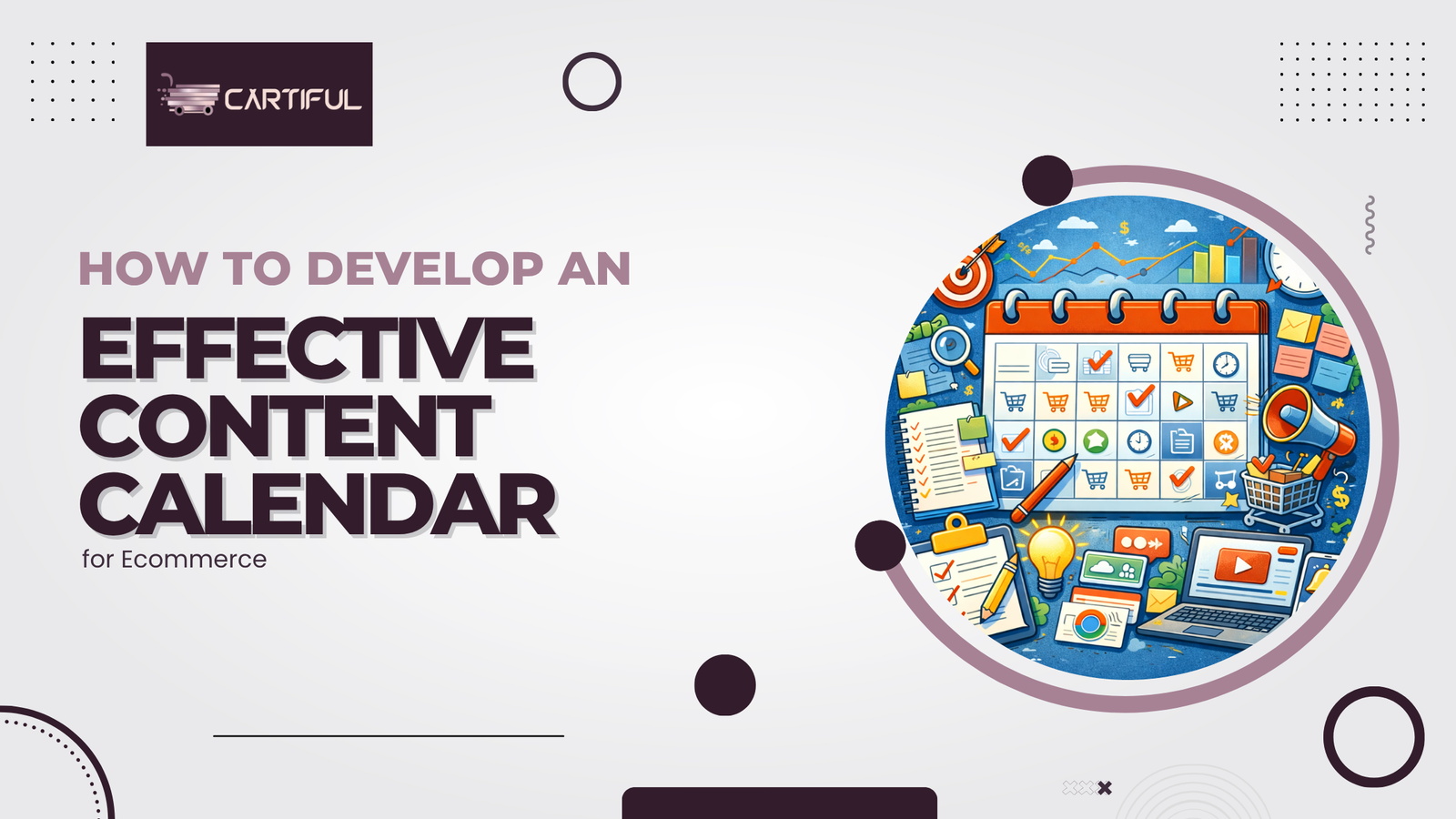
A strong content calendar keeps your ecommerce business consistent, organized, and aligned with real customer demand. It helps you plan social media posts, blog content, email campaigns, and product announcements in a structured way.
An effective content calendar also improves your content strategy by ensuring every piece supports your marketing goals.
It turns your marketing efforts from reactive posting into a predictable, data-driven system that drives Ecommerce Traffic and customer engagement.
This guide breaks down how ecommerce store owners can build a practical, flexible, and scalable content calendar that fits modern search engines, social media channels, and customer expectations.
Why Ecommerce Brands Need a Content Calendar
Ecommerce brands operate across many channels at once. Social media, email marketing, product launches, and blog posts all compete for time and attention.
A content calendar keeps these moving parts aligned. It ensures your content creation process remains smooth during sales events, peak shopping periods, and seasonal campaigns like Black Friday or Valentine’s Day.
A structured calendar also:
- Improves customer experience
• Increases audience engagement
• Strengthens your SEO efforts through consistent content
• Prevents last-minute production constraints
• Helps manage fulfillment issues or stock levels
• Keeps messaging consistent across your ecommerce website and social media strategy
Ecommerce brands that publish consistently enjoy higher engagement rates and stronger search ranking outcomes. This is why teams use tools like Google Sheets, Sprout Social, and digital whiteboards to manage their content production.
1. Start With Clear Marketing Goals
A content calendar is only effective when it supports your marketing strategy.
Begin by defining what success looks like for your brand.
Common goals include:
- Driving traffic to specific product detail pages
• Boosting social proof through customer reviews
• Increasing email list growth
• Supporting product launches
• Improving SEO performance on target keywords
• Strengthening audience retention through email newsletters
Your goals determine the mix of content types you prioritize. For example, if your aim is to improve long-tail keywords, you will focus on more blog posts and detailed guides.
Conduct Keyword Research to Guide Content Topics
Keyword research ensures that your content aligns with what customers are actively searching for.
This helps you create targeted content that performs well in search engines.
Use keyword tools to identify:
- High-volume terms
• Long-tail keywords
• Seasonal keywords
• Question-based queries
• Product-related search intent
Google Trends, search engine results, and HubSpot Academy resources can also provide insights into trending search queries. These topics become the backbone of your content calendar.
Keyword research reduces wasted effort by aligning your content production with real customer interest. It strengthens your SEO efforts and increases organic visibility across your ecommerce website.
Map Out Key Dates, Sales Events, and Retail Holidays
Ecommerce brands depend on timely campaigns. Your marketing calendar should include:
- Black Friday
• Cyber Monday
• Back-to-school season
• Valentine’s Day
• National Holidays
• Product launches
• Restocks or new variants
• Inventory-based campaigns triggered by stock levels or shipping container arrivals
Mapping these dates helps you plan ahead for asset creation, content scheduling, and approval workflows. It also gives your team the time needed for visuals and charts, social assets, and landing page updates.
Choose the Right Content Types for Your Calendar
Your content calendar should include a mix of content types across social media platforms, email marketing, and your ecommerce website.
Common content types include:
- Blog posts
• Product descriptions updates
• Email campaigns
• Social media posts
• Multi-day challenges
• Influencer partnerships
• Customer reviews
• Social proof graphics
• Product detail page improvements
• Video content
• Tutorials
• User-generated content features
Each type serves a different purpose in your content marketing strategy. Mixing formats keeps your audience engaged across multiple touchpoints.
Build Your Content Calendar Framework
Your content calendar must organize content clearly. The most common layout includes:
- Publish date
• Channel (social media, blog, email)
• Target keywords
• Content type
• Campaign name
• Draft status
• Assigned team member
• Visual assets required
• Approval status
• Performance metrics
Google Sheets is the simplest tool for this. Many ecommerce teams also use project management systems like Asana, Trello, or Notion for a more advanced editorial calendar.
A well-organized calendar ensures that content production stays on schedule. It prevents bottlenecks and keeps messaging aligned across your ecommerce marketing calendar.
Sample Monthly Content Calendar Structure
| Field | Example Entry | Purpose |
| Publish Date | March 5 | Timing and scheduling |
| Content Type | Blog Post | Defines format |
| Topic | “Top Spring Trends for 2025” | Supports product discovery |
| Target Keywords | spring fashion trends | SEO alignment |
| Channel | Website + Social Media | Multi-channel distribution |
| Required Assets | Photos + carousel | Visual consistency |
| Assigned To | Content Creator | Responsibility clarity |
| Status | Drafted | Workflow tracking |
| Performance Metrics | Engagement + clicks | Post-performance report |
Align Content With Product Launches and Promotions
Every ecommerce business runs regular promotions. Your content calendar should integrate these moments into the marketing strategy.
Examples include:
- New product launches
• Limited-time discounts
• Bundles and upsells
• Back-in-stock alerts
• Influencer partnerships
Each event should have supporting content across your social media channels, email marketing, and blog posts. This ensures visibility and keeps your audience informed.
Use Customer Feedback and Reviews to Shape Content
Customer feedback reveals what your audience values. Reviews, social listening, and post-purchase surveys can all inspire new content.
Examples include:
- Turning common questions into blog posts
• Highlighting reviews in social media campaigns
• Using customer challenges to plan multi-day challenges
• Creating FAQ-style content for your product detail pages
Customer insights shape more authentic content production. They increase engagement and improve your content performance across all channels.
Incorporate SEO Best Practices Into Your Content Calendar
SEO must be part of your content plan. Each content piece should support search ranking improvements.
Focus on:
- Internal linking
• Target keywords
• Long-tail keywords
• Structured content for search engines
• Optimized meta tags
• Rich descriptions for visuals
• Schema markup for FAQs
Your calendar should schedule time for updating past content. Content optimization ensures older articles continue to perform well.
Track Performance Using Analytics Dashboards
Your content calendar must include room for monitoring content performance. Google Analytics and analytics dashboards offer insights into:
- Engagement rates
• Click-through rates
• Social media interactions
• Email campaign performance
• Search ranking improvements
• Ecommerce Traffic changes
Tracking performance helps refine your content plan for the next cycle. It allows your ecommerce brand to double down on what works.
Build a Flexible Approval Workflow
Content requires collaboration between writers, designers, editors, and strategists. Your calendar must include steps for content approval and asset creation.
A typical approval workflow includes:
- Drafting
• Editing
• Visual asset creation
• Final review
• Scheduling
Clear workflows reduce delays and keep your publication dates consistent. They also prevent errors during peak season campaigns.
Support Your Calendar With an Asset Library
Your content calendar should connect to a shared asset library. This library stores:
- Product photos
• Visual assets
• Social media templates
• Email headers
• Past campaign files
• Brand guidelines
A consistent asset library simplifies content production. It ensures all content reflects your brand identity.
Use Social Media Management Platforms for Scheduling
Scheduling tools help automate posting across many social media channels.
Platforms like Sprout Social, Buffer, and Hootsuite allow teams to:
- Schedule weeks of content
• Review content previews
• Monitor comments
• Track performance metrics
• Conduct social listening
Automation frees time for content creation and strategy. It also ensures consistent audience engagement.
Maintain Consistency While Allowing Flexibility
A content calendar should be structured but not rigid. Ecommerce brands must react to trends, customer feedback, stock levels, and market changes.
Your calendar should allow for:
- Breaking news
• Short-term promotions
• Influencer requests
• Unexpected fulfillment issues
• Seasonal adjustments
Flexibility keeps your content strategy aligned with real-world conditions.
Conclusion
An effective content calendar brings structure to ecommerce marketing without limiting flexibility. By aligning content with business goals, keyword research, sales events, and customer behavior, brands can publish consistently and stay relevant across channels.
A well-planned calendar supports SEO, improves team coordination, and helps ecommerce businesses respond quickly as demand, inventory, and trends change.