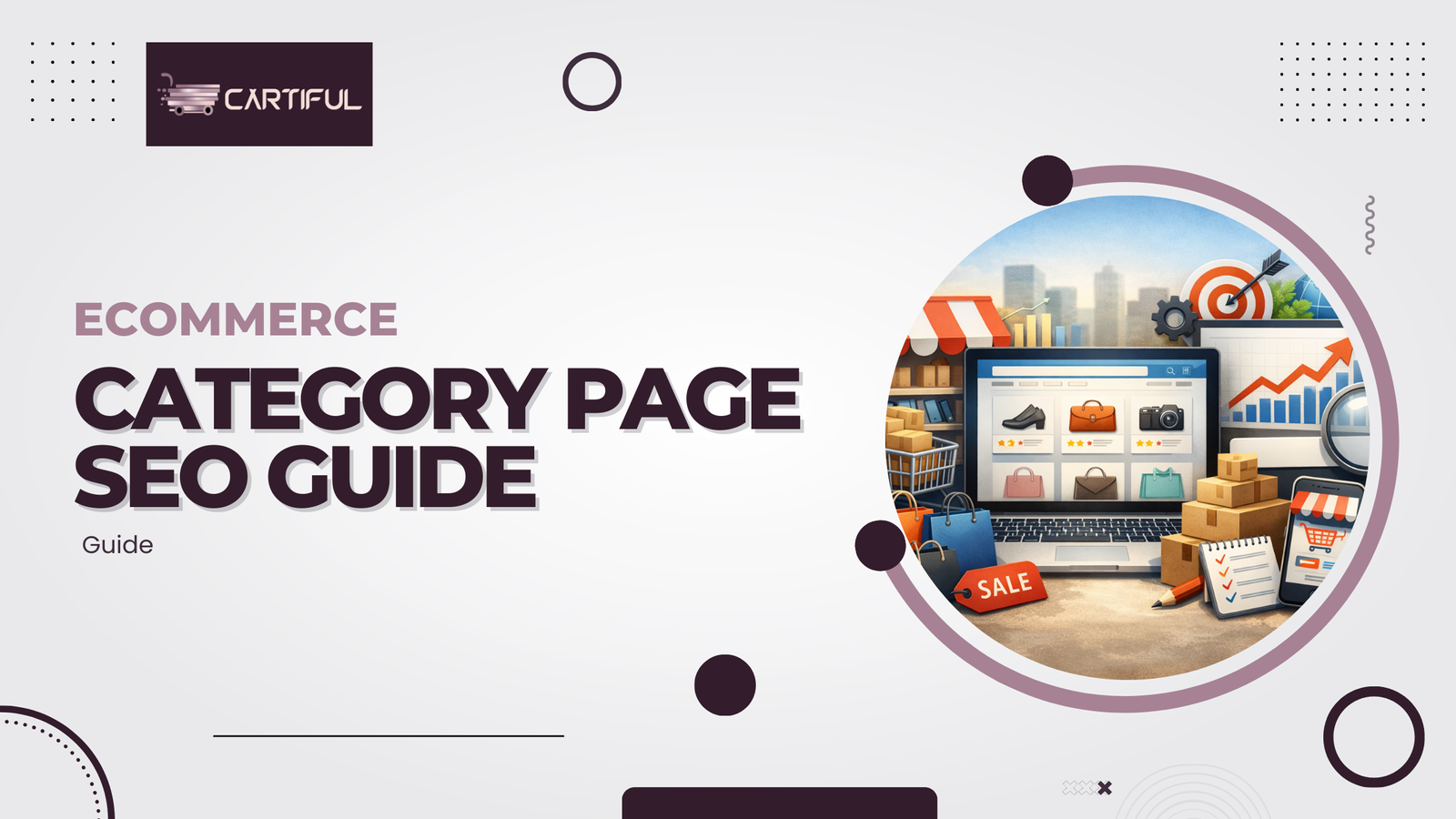
Category pages decide whether shoppers find your products or your competitors’. This guide shows how to apply ecommerce category page SEO best practices to improve rankings, UX, and conversions, using a clear, step-by-step framework built for modern search behavior.
What Is Ecommerce Category Page SEO?
Ecommerce category page SEO is the process of optimizing category and collection pages so search engines understand what you sell, match your products to high-intent queries, and improve product discovery. Strong category SEO boosts rankings for broad, high-volume terms and lifts entire product clusters.
But Why Category Pages Matter for Ecommerce SEO
Category pages often drive 20–40% of organic revenue because they target broad, recurring queries like “running shoes,” “office chairs,” or “hair care.” These pages help Google understand your structure, improve crawl depth, and guide shoppers toward the right product groupings.
And How Google Evaluates Category Pages?
Search engines rank category pages based on relevance, crawlability, UX, and authority. Clear naming, optimized titles and descriptions, structured navigation, and strong internal linking help category pages rank for competitive commercial keywords.
Step-by-Step: SEO for Category Pages
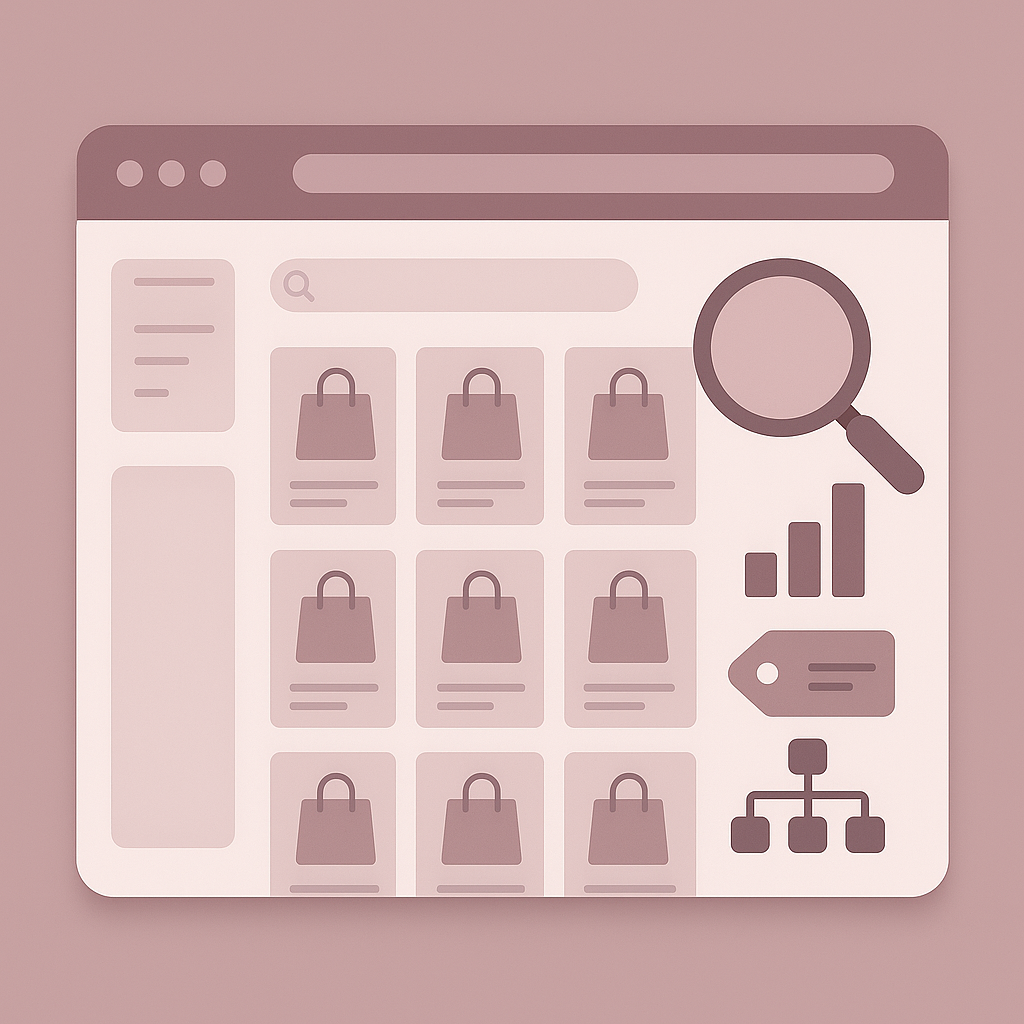
Below is how to do SEO for ecommerce category pages:
1. Choose the Right Keyword for the Category
Start by identifying the head term, mid-tail modifiers, and semantic variations related to the product group. Map one primary keyword per category to avoid cannibalization. Use search volume, competitiveness, and buyer intent to validate the final keyword set.
2. Optimize the Category Title + H1
Use a clear, descriptive H1 that names the product group exactly as customers search for it. Examples: “Women’s Running Shoes,” “Organic Hair Care,” “Office Desks.” Avoid creative titles that dilute relevance or make the category ambiguous to search engines.
3. Write an AEO-Friendly Category Description
Add a short, structured category description that clarifies what the collection includes, key features, and who it’s for. Keep it scannable, natural, and placed below the product grid if design allows. Include the primary keyword, but avoid stuffing or repeating phrases excessively.
4. Strengthen Internal Linking
Connect the category to related subcategories, parent categories, and editorial content. Use breadcrumbs, structured navigation, and product-to-category links. Strong internal linking distributes authority, improves crawl coverage, and increases ranking signals across product clusters.
5. Improve Filters & Faceted Navigation
Create clean, intuitive filters for attributes like size, color, material, or price. Use canonical tags, noindex rules, and logical faceted paths to avoid index bloat. Well-structured filters improve user experience while maintaining search engine control over crawlable URLs.
6. Optimize the Product Grid
Ensure product titles, thumbnails, pricing, ratings, and availability are clear and consistent. Use high-quality images and concise naming conventions. Make sure products are in stock and relevant to the category, thin or empty grids weaken overall category authority and engagement.
7. Add FAQ Blocks for AEO
Include a brief FAQ section at the bottom of each category page to answer common search queries. These blocks help capture featured snippets, voice search requests, and long-tail questions while improving topical relevance for the category.
8. Apply Technical SEO Standards
Maintain fast load times, mobile responsiveness, stable layouts, and efficient JS execution. Use structured data like BreadcrumbList, ItemList, and Product schema. Apply canonical handling for pagination and filtered URLs to help search engines understand the preferred category version.
Shopify Category Page SEO Tips
Shopify category pages (collections) come with platform-specific SEO constraints that require deliberate handling. By default, Shopify can generate multiple URLs for the same collection (for example, /collections/shoes and /collections/all/shoes), which can dilute ranking signals if not consolidated properly. Ensuring that each collection resolves to a single canonical URL is critical for maintaining category authority.
Use collection metafields to add unique, indexable content without hard-coding text into themes. This allows scalable category descriptions, FAQs, and supporting copy across large catalogs. Avoid relying on product tags alone for navigation, as tag-based URLs can create thin, duplicative pages unless controlled with noindex rules or canonical tags.
Filtering and sorting must be handled carefully. Shopify themes often create crawlable URLs for parameters like ?sort_by= or tag filters. These should either be blocked from indexing or canonicalized back to the main collection page to prevent index bloat. From a performance standpoint, optimize theme files by reducing unused JavaScript, compressing images, and prioritizing above-the-fold content so category grids load quickly on mobile devices.
Well-optimized Shopify collections combine clean URLs, unique content via metafields, controlled filters, and fast theme performance. This structure helps search engines crawl deeper into product catalogs while keeping category relevance clear and consistent.
Advanced Tactics for Ecommerce Category Page SEO
Once foundational optimization is in place, advanced category page SEO focuses on topical authority and intent coverage, not just keywords.
Build semantic keyword clusters, not isolated pages
Advanced category SEO starts with grouping related search terms by intent rather than creating separate pages for every variation. A single category should cover head terms, modifiers, and close semantic variants (for example: use case, audience, or material) to avoid thin or competing URLs. This helps search engines treat the page as a comprehensive result for the topic.
Support categories with content hubs and buying guides
High-performing category pages are reinforced by internal links from buying guides, comparisons, and educational content. These supporting pages capture informational queries earlier in the funnel and pass relevance signals back to the category page. This strengthens topical authority without diluting commercial intent.
Use logical product grouping to improve engagement signals
How products are grouped inside a category affects both usability and rankings. Clear segmentation by attributes that matter to shoppers (such as purpose, fit, or price range) reduces bounce rates and improves time on page. Some ecommerce teams use AI-assisted clustering to identify natural product groupings, but human review is essential to ensure alignment with search intent.
Consolidate authority instead of expanding URLs
The goal of advanced optimization is not to create more pages, but to make each category page the strongest possible destination for its product theme. Consolidated relevance, clean internal linking, and intent-aligned content outperform fragmented category structures over time.
Common Ecommerce Category Page SEO Mistakes
Thin or duplicated category content
Category pages with little or no descriptive content force search engines to rely only on product listings, which weakens topical understanding. Reusing the same description across multiple categories creates duplication and often leads to ranking suppression. Each category needs unique, intent-matched copy that explains what the page offers and who it serves.
Over-indexed filters and faceted URLs
Uncontrolled filters are one of the most damaging category SEO issues. When every size, color, or sort option creates an indexable URL, crawl budget is wasted on low-value pages. Canonical tags or noindex rules should ensure that search engines focus on the main category URL rather than filtered variations.
Poor keyword mapping and cannibalization
Targeting the same primary keyword across multiple categories causes internal competition and unstable rankings. Every category page should map to a single primary intent, supported by related modifiers, with no overlap across sibling categories.
Weak product grids and broken navigation
Categories filled with out-of-stock products, irrelevant items, or inconsistent naming reduce engagement and trust. Broken breadcrumbs, missing internal links, and slow-loading grids further confuse both users and search engines. These signals directly impact how category quality is evaluated.
Examples of Optimized Category Pages
Use this checklist to evaluate whether an ecommerce category page is fully optimized for search visibility, usability, and conversions:
- Clear H1 and title tag
The category name matches how shoppers search and aligns with the primary keyword.
- Concise, unique category description
A short, scannable description explains what the category includes and who it’s for, without duplication or keyword stuffing.
- Intuitive filters and navigation
Filters improve discovery (size, color, price, etc.) while SEO controls prevent index bloat from filtered URLs.
- Fully stocked, relevant product grid
Products are in stock, clearly named, and directly related to the category intent—no filler or mismatched items.
- Strong internal linking
Links connect the category to parent categories, subcategories, and supporting content like guides or collections.
- FAQ block at the bottom of the page
Short FAQs address common shopper questions and help capture long-tail queries and AEO results.
- Fast, stable load performance
The page loads quickly on mobile, avoids layout shifts, and keeps product grids predictable and responsive.
A category page that checks all these boxes sends strong relevance, quality, and usability signals to search engines. making it far more likely to rank and convert consistently.
Conclusion
Strong ecommerce category page SEO improves rankings, product discovery, and revenue. By combining clean structure, optimized content, and technical control, your category pages become reliable traffic and conversion drivers. Cartiful helps ecommerce brands build search-ready category systems that scale with growth.
Frequently Asked Questions
What is ecommerce category page SEO?
Ecommerce category page SEO improves how search engines interpret category and collection pages. It boosts rankings for broad, high-intent queries and helps users find products faster. Strong optimization directly increases organic visibility and revenue.
How long should a category description be for SEO?
A 120–200 word description works best. It provides enough clarity for search engines without overwhelming shoppers. Use a short intro, highlight product types, and include your primary keyword naturally—preferably above or below the grid depending on layout.
What keywords should category pages target?
Target a clear head term (e.g., “running shoes”) with mid-tail variations like “men’s running shoes” or “trail running shoes.” Avoid overlapping keywords across multiple categories to prevent cannibalization and ranking dilution.
How do I optimize filters for category page SEO?
Use filters for attributes like size, material, and price, but apply noindex or canonical rules to prevent thousands of thin URLs. Good filter structure improves UX while keeping search engines focused on the core category page.
How do I prevent SEO issues with pagination?
Maintain clean pagination with rel=”next” and rel=”prev” signals (if theme-supported), consistent URLs, and canonical tags pointing to page one. Fast loading and stable grids help search engines evaluate paginated content easily.
Should category pages have unique content?
Yes. Unique, helpful category descriptions clarify your product focus, establish topical relevance, and improve rankings. Avoid copy-pasted supplier text or autogenerated filler—quality matters more than word count.
What’s the difference between category page SEO and product page SEO?
Category pages target broader intent (“running shoes”), while product pages target specifics (“Nike Air Zoom Pegasus 40”). Category pages drive discovery, and product pages convert—both require distinct optimization strategies.
How does Cartiful improve ecommerce category page SEO?
Cartiful enhances category structure, internal linking, filters, product data quality, and page speed. These improvements strengthen relevance, lift SERP visibility, and typically increase category-level conversions by 18–32% on Shopify and ecommerce stores.