Skip to content
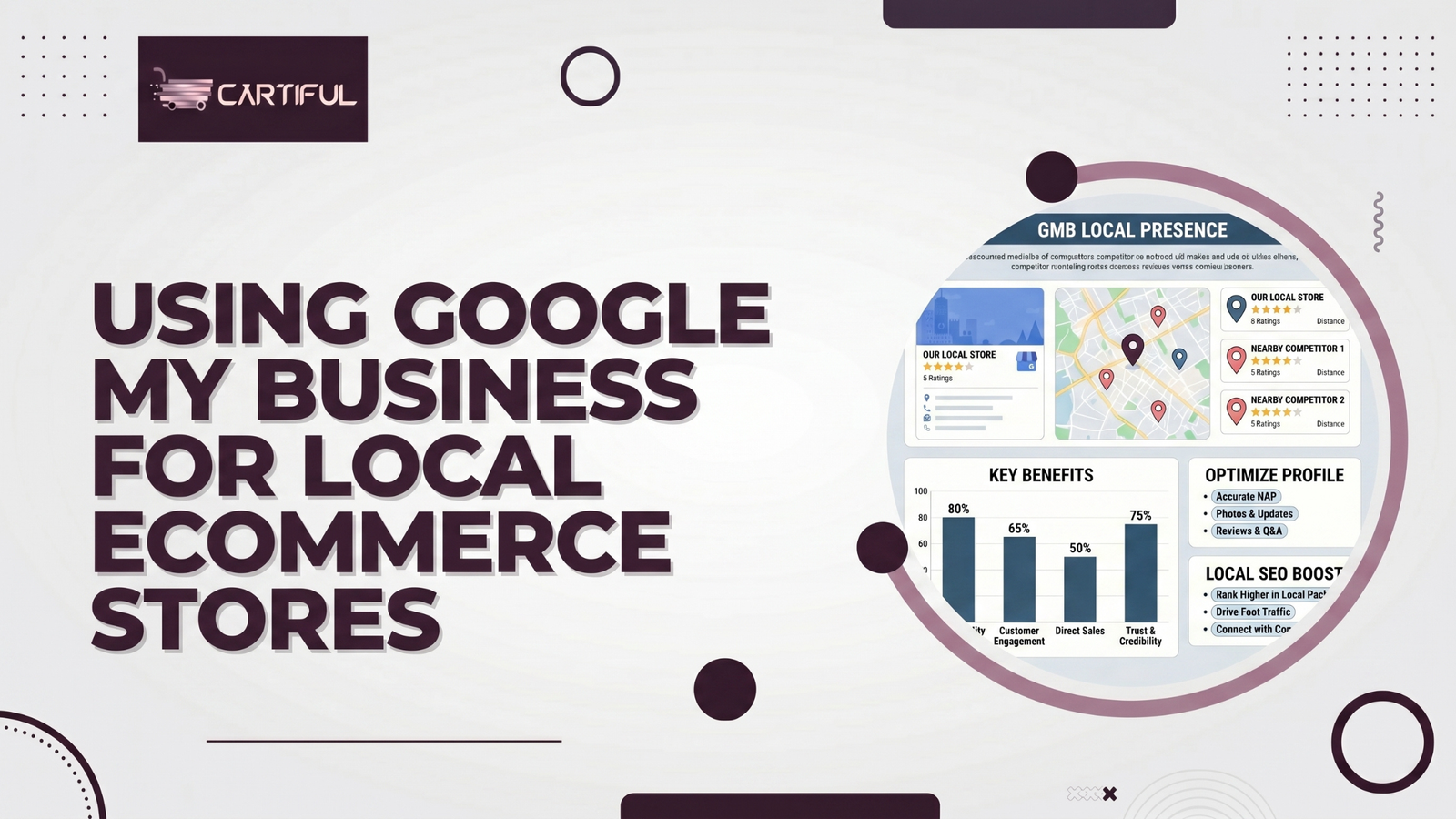
Google Business Profile can do much more for a local ecommerce store than show an address on Google Maps. For retailers with physical stores, pickup, local delivery, or showroom locations, it helps connect store discovery, trust signals, and local product visibility. Google says a Business Profile helps storefront and service-area businesses turn people who find them on Search and Maps into customers, while Merchant Center’s local inventory documentation says nearby shoppers can be shown store and product information through local listings.
That is why this topic matters for ecommerce. A local retail brand is not just trying to rank a location page. It is trying to help nearby shoppers find the right store, see what is available, trust the business, and choose a purchase path such as in-store shopping, pickup, or local delivery. Google also says products can appear in Maps-related experiences when local inventory data is connected properly, which turns local search into a real product-discovery channel, not just a branding channel.
Quick answer
For most local ecommerce retailers, the best use of Google Business Profile looks like this:
- claim and verify every store location
- keep hours, address, phone, and store details accurate
- connect Business Profile to Merchant Center and local inventory where relevant
- build useful location pages on the site
- manage reviews actively
- keep store pages, store inventory, and Google-facing data aligned
- use Google Business Profile as a local trust and discovery layer, not as a replacement for the website.
Why Google Business Profile matters for local ecommerce
A normal ecommerce site can sell without a storefront. A local ecommerce retailer cannot fully compete in local search without clear store signals. Google Business Profile gives Google and shoppers direct store-level details such as hours, address, photos, offers, and store presence on Maps and Search. Google says Business Profile lets storefront businesses stand out on Search and Maps and add details like photos and offers.
For local ecommerce, that matters in three practical ways.
First, it supports store discovery. Shoppers searching for a retailer name, a product nearby, or a store in a location often interact with Google’s local surfaces before they ever reach the website.
Second, it supports trust. Business Profile is where many shoppers check hours, reviews, photos, and whether the location looks legitimate and current. Google’s help center includes review management, social links, posts, and store-product management as active parts of Business Profile, which shows it is more than a static listing.
Third, it supports local product visibility when paired with Merchant Center and local inventory. Google says nearby shoppers can be shown in-store products and store information through local inventory ads and free local listings.
Step 1: Claim and verify every physical store location
This is the foundation. If a store has a physical location that shoppers can visit, it should usually have its own Business Profile. Google says Business Profile is for storefront or service-area businesses and is free to create.
For local ecommerce retailers, that means:
- one verified profile per real store
- accurate location-specific details
- no mixing of multiple branches into one listing unless they are truly one location
- no outdated stores left active if they are closed or moved
This matters because local product visibility and local trust are store-specific. A shopper in one city should not be routed through the wrong branch information by accident. That is a practical requirement implied by Google’s local inventory and store-location setup.
Step 2: Keep your store details complete and current
Google’s Business Profile editing guidance says you should keep details such as address, hours, contact information, and photos accurate and up to date.
For local ecommerce stores, the minimum profile details to maintain are:
- store name
- address
- phone number
- opening hours
- website URL
- service options where relevant
- photos of the store and products
Why this matters is straightforward. A local shopper may be ready to buy, but if they find old hours, wrong phone numbers, or weak storefront information, the profile stops helping and starts creating friction. That is especially true for pickup and local-delivery models where operational clarity matters more than generic brand presence.
Step 3: Connect Google Business Profile to Merchant Center when products matter
This is where local ecommerce stores can go far beyond basic local SEO. Google’s Business Profile help says you can manage products through Merchant Center from Business Profile, and Google’s Merchant Center documentation says local inventory ads and free local listings let you showcase products and store information to nearby shoppers.
In practical terms, a strong local retail setup often includes:
- Business Profile for the location itself
- Merchant Center for products
- local inventory data for store-level stock visibility
- website landing pages that match the store and product reality
Google also says that if your site does not contain in-store inventory information, you can use a Google-hosted local storefront page to show in-store inventory.
That means Google Business Profile is not the product system by itself. It works best when it is connected to the product system.
Step 4: Use local inventory so nearby shoppers can see what is in store
For local ecommerce stores, this is one of the biggest growth levers. Google says the local inventory ads and free local listings add-on lets you showcase products and store information to nearby shoppers searching with Google. It also says the local inventory data spec is how Google knows which stores have each product.
This changes the role of local search completely. Instead of only helping someone find the store, Google can help them find the store with the product they want nearby.
That is especially valuable for searches such as:
- running shoes near me
- laptop in stock nearby
- store pickup dining table
- skincare products near me
For retailers, this means local inventory accuracy is not just an operations task. It is a visibility task.
Step 5: Build a real location page for each store
A Business Profile should support the website, not replace it. That is why each store should usually have its own location page on the site.
A strong local ecommerce location page usually includes:
- store name
- full address
- phone number
- hours
- map or directions
- pickup or delivery options
- product categories sold in that store
- parking or landmark details
- local service notes
- links to major product or category pages
Google’s Business Profile and local inventory docs do not prescribe a full page template, but they clearly support current, detailed store information and local product discovery. A strong location page helps the website carry that same clarity.
A weak location page is just an address block. A stronger one answers the shopper’s next question: “Can this location help me with what I came for?”
Step 6: Align your Business Profile, location page, and inventory data
This is one of the easiest places for local ecommerce stores to break trust.
The following details should match across your systems:
- store name
- address
- phone
- hours
- local pickup availability
- in-store shopping availability
- product or inventory status where shown
Google’s Business Profile documentation emphasizes keeping business information accurate, while local inventory documentation depends on correct store-level product data.
If the Business Profile says a store is open, the location page says it is closed, and Merchant Center shows inventory for that store anyway, the brand creates friction exactly where it should be reducing it.
Step 7: Use reviews as a local trust layer
Google Business Profile is where many shoppers judge a local retailer before they click through to the website. Google’s Business Profile help includes review management as a core part of the platform.
For local ecommerce retailers, reviews matter in two different ways:
- store trust
- product trust
The store side lives strongly in Business Profile. A shopper deciding whether to visit, pick up, or trust a location often checks reviews before taking the next step. That makes Business Profile reviews especially important for:
- same-day pickup
- showroom visits
- local delivery confidence
- store-level reputation
This does not mean every review issue is an SEO issue. But for local ecommerce, trust and visibility are tightly linked.
Step 8: Showcase in-store products when possible
Google Business Profile and Merchant Center can work together to show in-store products. Google says helping customers find in-store products can increase product awareness, grant access to free local surfaces like “See what’s in store,” and connect local shoppers with available inventory.
This is especially useful for retailers in categories like:
- electronics
- furniture
- beauty
- fashion
- home improvement
- sporting goods
If nearby shoppers can browse store-available products directly from Google surfaces, the Business Profile becomes much more valuable than a plain map pin.
Step 9: Answer inventory questions accurately
Google Business Profile now also includes inventory-question functionality for eligible local stores that sell physical goods. Google says accurate responses about inventory help provide a better shopper experience and warns that misrepresenting inventory is not allowed.
For local ecommerce stores, that is another reminder that Google Business Profile is part of real commerce operations. It is not only a listing to set up once and ignore. If Google is asking your store inventory questions through the profile layer, the business needs reliable processes behind the scenes.
Step 10: Use photos, offers, and updates to make the profile feel active
Google says Business Profile allows storefront businesses to add photos, offers, posts, and more.
For local ecommerce stores, this matters because an active-looking location profile tends to feel more trustworthy than a bare profile. Useful updates include:
- current storefront photos
- seasonal offers
- pickup announcements
- in-store promotions
- service updates
- holiday hours
This is not the core SEO engine, but it strengthens the local commerce experience around the listing.
What local ecommerce stores should not do
A few common mistakes weaken results fast.
Do not:
- treat Business Profile as a substitute for location pages
- leave outdated hours or phone numbers live
- show in-store availability without accurate inventory support
- create one generic profile mindset for many distinct stores
- ignore reviews entirely
- separate Business Profile management from Merchant Center and site data
These mistakes run against Google’s own guidance on profile accuracy, local product visibility, and inventory truthfulness.
A simple setup example
A retailer with 8 stores selling electronics could build a strong setup like this:
- one verified Business Profile per store
- one location page per store on the website
- Merchant Center connected for products
- local inventory enabled for each location
- store pages linked to major categories like laptops, phones, and accessories
- accurate pickup options shown on PDPs
- reviews monitored and responded to regularly
That setup matches how Google’s Business Profile and Merchant Center tools are designed to work together for local retail discovery.
A practical checklist
Business Profile basics
- Has each store been claimed and verified?
- Are store name, address, phone, and hours accurate?
- Are photos, offers, and store details current?
Website alignment
- Does each store have its own location page?
- Do location pages match Business Profile data?
- Do store pages include pickup or service options where relevant?
Product and inventory
- Is Merchant Center connected where products matter?
- Is local inventory data available and accurate?
- Can nearby shoppers see what is in store?
Trust
- Are reviews being monitored and answered?
- Do profiles look active and credible?
- Are inventory questions answered accurately?
1. Is Google My Business still the right name?
No. The current name is Google Business Profile. Google’s official business site and help documentation use Google Business Profile, not Google My Business.
2. Does Google Business Profile help ecommerce stores?
Yes, especially local ecommerce stores with physical locations, pickup, local delivery, or showrooms. It helps with store discovery, trust, and local shopping visibility when paired with Merchant Center and local inventory.
3. Can products appear through Google Business Profile?
Products are primarily managed through Merchant Center for stronger product visibility, but Google says in-store products can be showcased on Business Profile and local Google surfaces when the right setup is in place.
4. Do I need both Google Business Profile and Merchant Center?
For many local ecommerce retailers, yes. Business Profile helps with store presence on Search and Maps, while Merchant Center handles product and local inventory visibility. They work better together than separately.
5. Do I need a location page if I already have a Business Profile?
Usually yes. A Business Profile should support the store’s web presence, not replace it. A location page gives you more control over store content, internal linking, and local landing-page usefulness. This is a practical best practice built from Google’s emphasis on accurate, detailed business information.
Final takeaway
Google Business Profile is one of the most useful local search tools a local ecommerce retailer can use, but it works best when it is part of a connected system. The strongest setup usually combines verified store profiles, accurate location pages, Merchant Center product data, local inventory visibility, and active review management. Google’s own documentation points to that combined model again and again.
For local ecommerce stores, the real win is not just “show up on Maps.” It is helping a nearby shopper find the right store, trust the location, and see whether the product they want is actually there.