Skip to content
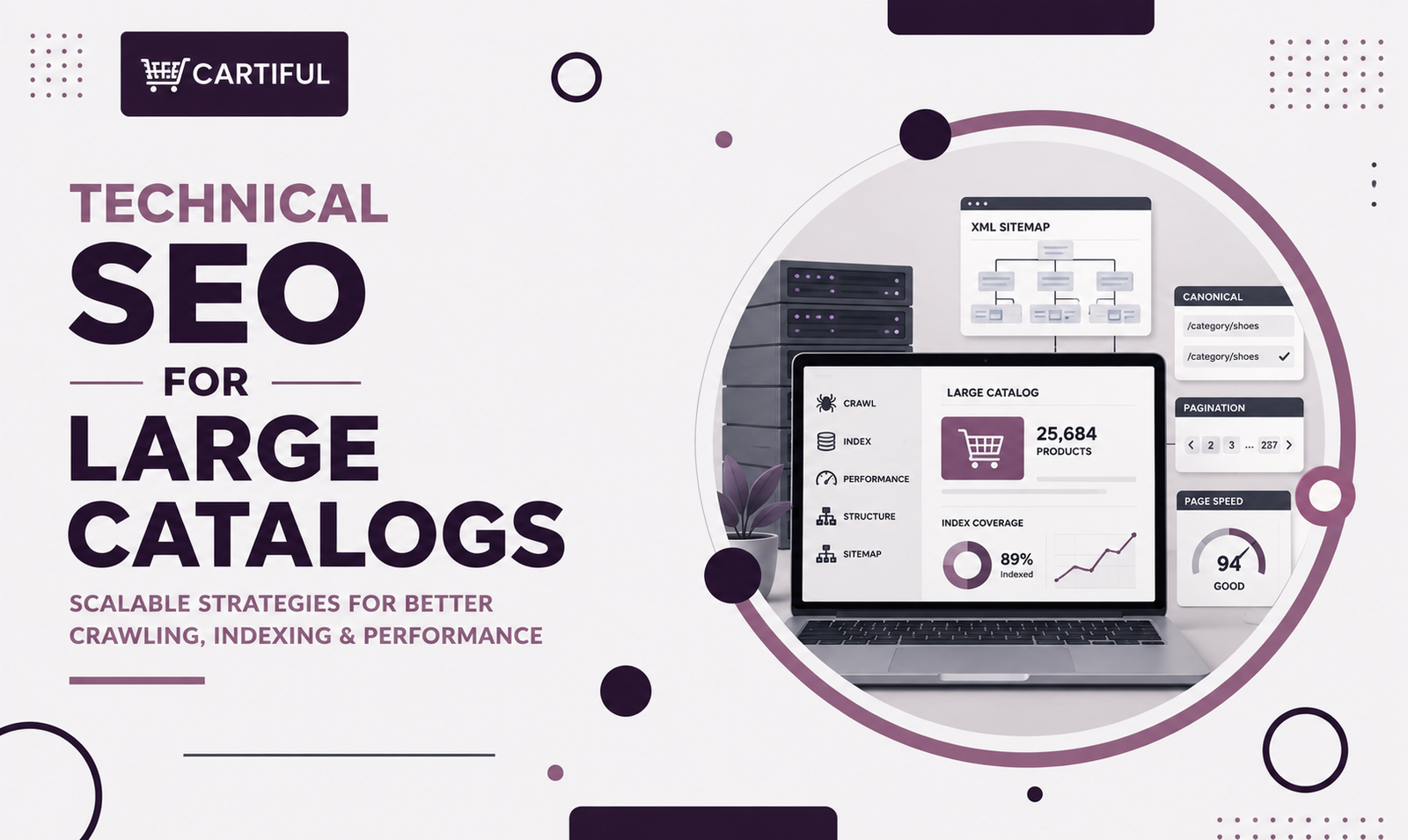
Technical SEO becomes much more important once an ecommerce site grows into a large catalog. At that point, the challenge is not just ranking pages. It is helping Google find the right pages, avoid wasting time on low-value URLs, and understand how category pages, product pages, and product variants fit together. Google’s ecommerce documentation puts strong attention on site structure, URL design, pagination, and structured data for exactly this reason. (Google for Developers)
On a large store, most technical problems do not come from one broken tag. They usually come from pattern-level issues such as filter URLs multiplying too quickly, duplicate product paths, weak canonical signals, JavaScript-heavy listing pages, and bloated sitemaps. When several of those problems stack up, crawling and indexing become less efficient. (Google for Developers)
Why Large Catalogs Need a Different SEO Setup
A small store can sometimes get by with imperfect structure because the total number of URLs stays manageable. A large store cannot. Once filters, sort orders, pagination, variants, and campaign pages start piling up, the catalog can produce far more URLs than Google should actually spend time on. Google’s faceted navigation guidance says these systems can create a near-infinite number of URLs and slow discovery of important content. (Google for Developers)
That is why technical SEO for large catalogs is really about control. You are deciding which URLs deserve crawling, which pages deserve indexation, and which versions should collapse into one preferred URL. (Google for Developers)
The Main Technical Goals
A strong setup usually aims to do four things well:
- keep important category and product pages easy to discover
- reduce crawl waste on filters, sort URLs, and other low-value states
- consolidate duplicate or near-duplicate pages
- make the catalog structure easier for Google to interpret (Google for Developers)
If those four jobs are handled well, the rest of the SEO program tends to work better too.
1. Keep the URL Structure Clean
Google says ecommerce sites should avoid URL structures that create crawling and indexing problems. It also recommends simple, descriptive URLs that make sense to people. On a large store, that usually means one stable path for each category and one stable path for each product. (Google for Developers)
A clean setup often looks like this:
- categories use readable folder paths
- products have one preferred URL
- internal links avoid unnecessary parameters
- filters do not create dozens of alternate versions of the same page by default (Google for Developers)
The goal is not to make URLs pretty for their own sake. The goal is to stop the site from generating confusing duplicates.
2. Decide What Should Be Indexed
Large catalogs usually run into trouble when they let too many URLs compete for indexation. Not every URL that exists needs to appear in search. Google’s canonical and crawling guidance supports picking preferred versions and limiting duplicate clutter. (Google for Developers)
Pages that often deserve indexing are the ones that serve real search intent, such as major category pages, strong subcategories, useful product pages, and a small number of high-value filtered landing pages. Pages that usually do not deserve indexation include sort orders, internal search results, deep filter combinations, and tracking-parameter URLs. (Google for Developers)
This is one of the biggest differences between small stores and large stores. On a large catalog, saying “yes” to every URL is usually what creates the mess.
3. Control Faceted Navigation Early
Faceted navigation is often the biggest technical SEO problem on ecommerce sites with large inventories. Google says it is one of the most common sources of overcrawling because every filter combination can create a new URL. That leads to wasted crawl activity and slower discovery of important pages. (Google for Developers)
The practical fix is to separate user filtering from SEO targeting. Let users filter freely, but only allow a limited set of filter pages to become indexable when they have clear search demand and useful standalone value. Everything else should be kept from taking over the crawl path and sitemap footprint. (Google for Developers)
A few filter types that often cause the most trouble are:
- color
- size
- material
- brand
- price
- availability
- sort order (Google for Developers)
4. Use Canonicals Carefully
Google describes rel=”canonical” as a strong hint for the preferred version of a duplicate set. It can consolidate indexing signals, but it only works well when the rest of the site supports the same preference. (Google for Developers)
A good canonical setup usually means the preferred URL is also the one used in internal links and in the sitemap. It also means the canonical target is a real, indexable page, not a soft 404 or a page carrying a noindex directive. Google specifically warns that multiple canonicals on one page may all be ignored. (Google for Developers)
One mistake that still shows up a lot is using canonicals as a bandage while the site keeps linking heavily to duplicates. That weakens the signal and leaves the root problem alive.
5. Handle Product Variants With a Clear Model
Large stores often sell products that vary by color, size, material, scent, or pack size. Google now supports product variant structured data through ProductGroup and related properties such as variesBy, hasVariant, and productGroupID, which helps it understand that several items belong to the same parent product. (Google for Developers)
From a site architecture point of view, most stores end up choosing one of two models:
- one main product page with variant selectors
- separate URLs for each variant
Either can work. The problem starts when the store creates many thin variant URLs without a clear reason, weak unique content, or a stable canonical pattern. That is when duplicate product pages begin to pile up.
6. Keep Pagination Crawlable
Google’s pagination documentation says listing content in smaller chunks can be better for users, but site owners may need extra steps to make sure crawlers can still find everything. It also says Google generally crawls URLs found in anchor href attributes and does not usually click buttons or trigger user-action JavaScript to reveal more content. (Google for Developers)
That matters because many large stores rely on:
- load more buttons
- infinite scroll
- JavaScript-only product loading
Those patterns can be fine for users, but they should not replace crawlable paginated URLs. Google recommends linking paginated pages sequentially and even notes that linking paginated pages back to page one can help signal the start of the collection. (Google for Developers)
There is also a practical pagination lesson that comes up often in technical SEO discussions: paginated pages usually should not all canonicalize to page one. Google’s older canonical guidance explicitly warns that later pages in a paginated series are not duplicates of page one, and a TechSEO thread reflects the same view in practice. (Google for Developers)
7. Do Not Let JavaScript Hide Key Content
Google can process JavaScript, but it still treats JavaScript-heavy pages through crawling, rendering, and indexing steps. That means core content and links should not depend on fragile rendering. (Google for Developers)
On large ecommerce sites, JavaScript often controls:
- product grids
- faceted filters
- swatches
- review widgets
- recommendation modules
That is not automatically a problem. The problem starts when important product links, key text, or essential structured data are only available after complex client-side behavior. The safer route is to keep core navigation and product discovery visible and crawlable without depending on extra interaction. (Google for Developers)
8. Keep XML Sitemaps Tight
Google says sitemaps help crawlers work more efficiently, especially on large or complex sites, and that they should include the URLs you want to see in search. Google also says it generally shows canonical URLs in search results, which is why sitemap entries should align with your preferred versions. (Google for Developers)
For a large catalog, a sitemap should usually include:
- canonical product URLs
- important category URLs
- useful content URLs
It should usually leave out:
- redirects
- duplicate URLs
- parameter junk
- noindexed pages
- soft 404s (Google for Developers)
Google also says that if a sitemap exceeds the size limits, it should be split and managed through a sitemap index file. That is especially relevant for enterprise ecommerce sites with large product counts. (Google for Developers)
9. Internal Linking Still Carries a Lot of Weight
Google’s ecommerce documentation says linking between pages helps it understand what is most important on a site. On a large store, internal linking is not just a content concern. It is part of the technical system that controls discovery and priority. (Google for Developers)
A healthy pattern usually looks like this:
- homepage to major categories
- categories to subcategories where needed
- category pages to products
- breadcrumbs on subcategories and product pages
- content pages linking into category hubs
That structure makes the catalog easier to crawl and easier to interpret.
10. Monitor Patterns, Not Just Pages
Technical SEO on a large catalog should be monitored by template and by URL type, not just by random page samples. Google’s sitemap, canonical, and pagination guidance all point toward pattern-level thinking: preferred URLs, grouped page sets, and consistent discovery paths. (Google for Developers)
In practice, that means reviewing things like:
- how many filter URLs are being crawled
- whether product pages are getting discovered quickly
- whether sitemap entries match canonical targets
- whether deep category pages are reachable through crawlable links
A recent TechSEO Reddit thread captures this real-world concern well: practitioners often spot crawl activity being spent on parameter URLs, pagination variants, and outdated archives long before the site team realizes how much waste has built up. (Reddit)
Common Mistakes on Large Ecommerce Stores
A few problems show up again and again:
- filter URLs left open without control
- canonicals that conflict with internal links
- paginated pages canonicalized to page one
- product discovery hidden behind JavaScript-only actions
- sitemaps filled with duplicate or low-value URLs
- variant URLs created at scale without a clear plan (Google for Developers)
None of these issues are unusual on large stores. What matters is catching them early enough that they do not keep multiplying.
A Practical Workflow
A workable process usually starts by grouping the site into patterns:
- category pages
- subcategory pages
- product pages
- variant URLs
- filter URLs
- paginated URLs
- internal search pages
- old campaign or archive pages
From there, define the rule for each group. Should it be indexed, canonicalized, kept out of the sitemap, or blocked from becoming a crawl sink? Once those rules are clear, fix the templates and internal links that keep generating the wrong behavior. (Google for Developers)
That is usually where the biggest gains come from on large stores: fixing the rules that shape thousands of pages, not editing one URL at a time.
Technical SEO Checklist for Large Catalogs
Use this as a working checklist:
- keep one preferred URL for each important page
- control faceted navigation before it spreads
- only index pages with real search value
- align canonicals, internal links, and sitemaps
- choose a clear product variant model
- keep pagination crawlable
- avoid hiding product discovery behind JavaScript
- include only clean canonical URLs in sitemaps
- review patterns after every major template or platform change (Google for Developers)
How Cartiful Would Approach This
Cartiful would usually start with a pattern audit, not a generic page crawl. The first step would be grouping the catalog by template and URL type, then spotting where crawl waste, duplication, or discovery issues are coming from. After that, the focus would move to rule-level fixes: faceted navigation, canonical logic, pagination, sitemap quality, and internal links. That order tends to produce bigger gains than page-by-page cleanup on a large store. This is closely aligned with Google’s own ecommerce guidance around structure, URL design, and content discovery. (Google for Developers)
Final Take
Technical SEO for large catalogs is mostly about keeping scale under control. The site needs clean URL rules, fewer low-value crawl paths, clear preferred versions, crawlable pagination, a sensible variant setup, and sitemaps that point to the pages you actually want Google to treat as important. Google’s current ecommerce documentation keeps returning to that same idea: make the right content easier to find and reduce the signals that create confusion. (Google for Developers)
1. FAQ: What is the biggest technical SEO issue on large ecommerce sites?
Faceted navigation is often the biggest issue because it can create a huge number of filter URLs and slow discovery of important pages. Google’s recent guidance calls it one of the most common causes of overcrawling. (Google for Developers)
2. FAQ: Do all product variants need separate URLs?
No. Google supports both grouped variants and separate variant pages. The right setup depends on how the catalog is built and whether each variant has its own search value. (Google for Developers)
3. FAQ: Is infinite scroll bad for ecommerce SEO?
It can be risky when it replaces crawlable paginated URLs. Google says its crawlers generally do not click buttons or trigger user-action JavaScript to reveal more content. (Google for Developers)
4. FAQ: Should every URL be included in the sitemap?
No. Google recommends including the URLs you want to see in search, and those should generally be canonical URLs rather than duplicates or low-value states. (Google for Developers)
5. FAQ: Can JavaScript-heavy ecommerce sites still perform well in search?
Yes, but key content and links should not depend on brittle rendering. Google can process JavaScript, but it still has to crawl, render, and index that content. (Google for Developers)