Skip to content
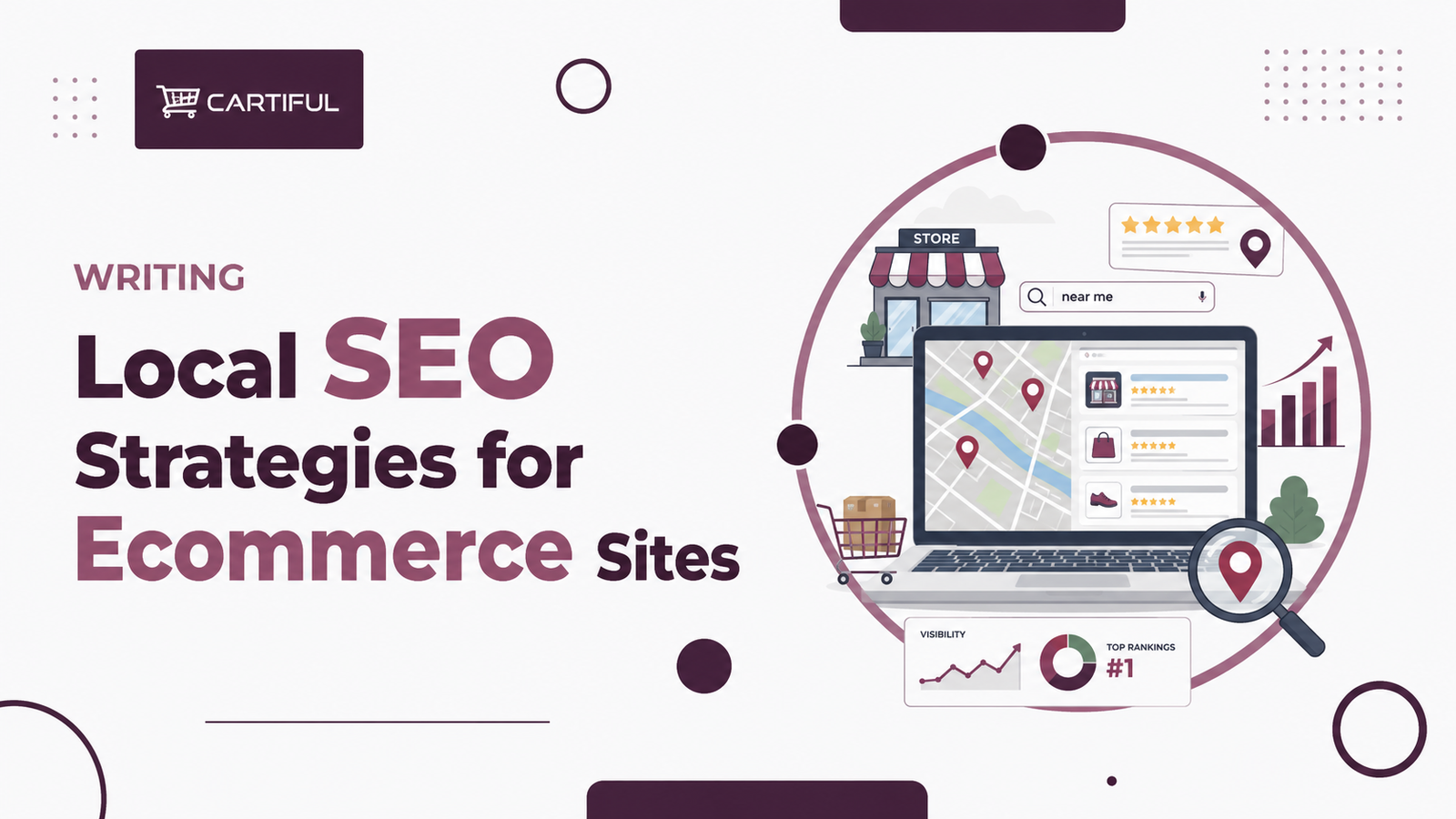
Local SEO for ecommerce is different from both traditional local SEO and standard ecommerce SEO. A local service business mainly wants calls, directions, and leads. A national ecommerce store mainly wants category and product rankings. A local ecommerce brand often needs both: it wants nearby shoppers to find the store, trust the location, and see whether the product they want is available close by. Google says products can appear in Maps results when merchants upload products with inventory location data to Merchant Center, and its local inventory documentation says free local listings and local inventory ads are built to show nearby shoppers product and store information. (Google Help)
That makes local SEO a serious growth channel for ecommerce brands with physical stores, pickup, local delivery, or showroom locations. The opportunity is not only “rank for near me searches.” It is also to connect store pages, product pages, Merchant Center, Google Business Profile, reviews, and inventory data into one local search system that actually helps shoppers buy. Google’s local business structured data docs also show that Google can use store-level business details such as hours and departments to understand local retail pages more clearly. (Google for Developers)
Below is a step-by-step list of local SEO strategies for ecommerce sites, built specifically for retailers that sell online and also serve local demand.
1. Decide whether your ecommerce model truly has local search value
Local ecommerce SEO matters most when location changes the best result for the shopper. That usually includes stores with physical branches, buy online pick up in store, local delivery, same-day fulfillment, or store-level inventory visibility. Google’s local inventory documentation is specifically designed for merchants who want to show nearby shoppers product and store information based on location. (Google Help)
If your store has no local pickup, no physical stores, and no local fulfillment advantage, local SEO may still matter a little for branded searches, but it will not be as central as it is for a retailer with real store-level availability.
2. Create a location page for every real store
A local ecommerce strategy usually starts with proper location pages. A weak page with only an address and phone number rarely does enough. A stronger location page should help a shopper answer practical questions fast:
- where the store is
- when it is open
- whether pickup is available
- what kinds of products or categories are sold there
- how to get there
- what is unique about that location
Google’s local business structured data docs make it clear that pages can communicate business details such as hours, departments, and reviews. That means your store pages should be real landing pages, not placeholders. (Google for Developers)
3. Keep store details consistent across every platform
Your website, Google Business Profile, and Merchant Center should agree on the basics:
- store name
- address
- phone
- hours
- website URL
- store code or store identifier
- pickup or in-store shopping availability
Google’s Business Profile and local inventory systems depend on these details being accurate. If your store page says one thing and your profile says another, trust drops and local visibility can suffer. (Google Business)
4. Fully optimize Google Business Profile for each location
Google Business Profile is one of the strongest local SEO assets a retailer has. Google says Business Profile helps storefront businesses turn people who find them on Search and Maps into customers. For local ecommerce brands, that means profiles should not be treated like set-and-forget listings. (Google Business)
For each location, make sure you have:
- accurate hours
- correct business category
- current store photos
- website link
- store attributes and shopping options where available
- updated holiday hours
- clear service options such as in-store shopping or pickup, if supported in your region
A strong profile improves local trust before the shopper ever lands on the website.
5. Connect Google Business Profile to Merchant Center when products matter
For local ecommerce, store visibility and product visibility should work together. Google Business Profile now routes product management through Merchant Center, and Google’s local inventory program is what helps nearby shoppers see store and product information together. (Google Help)
If you have physical stores and products that can be bought locally, this connection is one of the highest-value technical steps you can take.
6. Use local inventory so shoppers can find products nearby
Google says local inventory ads and free local listings let you showcase products and store information to nearby shoppers searching with Google. It also says you can help customers find in-store products when they search nearby or browse a store’s Business Profile. (Google Help)
This is a major advantage for local retailers because it turns local search from a pure location query into a product-plus-location query.
Examples:
- running shoes near me
- coffee machine in stock nearby
- office chair pickup today
- mattress store with stock nearby
If you can answer those searches with real store-level inventory, your local SEO becomes far more useful than a standard store locator.
7. Make product availability local and visible on the site
If a shopper lands on a product page, they should be able to tell whether the item is available nearby. This is one of the strongest ways to connect ecommerce SEO and local SEO.
Useful local PDP elements include:
- check store availability
- pickup today
- available at [store name]
- local delivery in selected areas
- choose your store
Google’s local inventory guidance supports store-level product visibility, and this kind of PDP messaging helps align the website with the Google-facing product and inventory data. (Google Help)
8. Use local business structured data on store pages
Google says local business structured data can help pages appear in unique Google Search results and can communicate business details such as hours, departments, and reviews. (Google for Developers)
For ecommerce retailers, the cleanest rule is:
- store page = local business data
- product page = product data
Do not overload a store page with product markup if the page is mainly about the location. Keep the purpose clear.
9. Keep product schema clean on PDPs
Local SEO for ecommerce is not only about store pages. Product pages still need strong product markup because Google uses structured product data to understand price, availability, shipping, reviews, and other shopping signals. (Google for Developers)
A strong local ecommerce setup usually combines:
- local business data on store pages
- product and offer data on PDPs
- local inventory data through Merchant Center
That separation makes each page easier for Google to interpret.
10. Link store pages to local product categories
A location page should not sit isolated from the rest of the site. Internal linking is one of the easiest places to strengthen local ecommerce SEO.
Good examples:
- store page → major categories sold there
- store page → top local collections
- category page → store finder or pickup info
- product page → nearby store availability
This helps users move between store intent and product intent without friction. It also helps search engines understand that the store and the products are part of one system.
11. Build store pages with local relevance, not just duplicated templates
Thin, duplicated location pages are one of the most common local SEO weaknesses on retailer sites. Even when the structure is identical, try to add details that make each page more useful:
- nearby landmarks
- parking info
- local delivery coverage
- store-specific services
- top product departments
- city-specific promotions
- pickup details
- store photos
This is not about stuffing local keywords. It is about giving each page enough real local value that it deserves to rank.
12. Optimize for “near me” and city-modified category intent
Local ecommerce searches are not always brand-only searches. They often blend location with product or category intent.
Examples:
- sofa store in Karachi
- buy laptop near me
- dining table pickup Lahore
- skincare store DHA Karachi
Your store pages, category pages, and sometimes local collection pages should be able to support these intents. Google’s local inventory documentation shows that local product visibility is built around these nearby-shopping moments. (Google Help)
13. Manage reviews actively for each store
Reviews are one of the biggest trust signals in local search. BrightLocal’s Local Consumer Review Survey 2025 and 2026 both show reviews remain highly influential in local consumer behavior, and BrightLocal’s local statistics page says 83% of consumers use Google to find local business reviews. (BrightLocal)
For local ecommerce retailers, reviews affect:
- whether a shopper trusts the store
- whether they choose pickup
- whether they visit the store
- whether they think the business is reliable
Do not ignore location-level review management while focusing only on product reviews.
14. Encourage local proof on location pages
When possible, show proof that supports the local buying decision, such as:
- local reviews or testimonials where appropriate
- photos of the actual storefront
- local service highlights
- “popular at this location” product categories
- pickup and returns guidance for that store
This helps the location page feel like a real retail page, not just a contact page.
15. Use in-store product showcases where available
Google says in-store products can be shown on Google Search and Maps, and that doing so can increase product awareness, drive organic impressions and clicks, and connect local shoppers with available inventory. (Google Help)
For many retailers, this is one of the biggest missed opportunities in local SEO. A strong local ecommerce store should not only show the address. It should show what is available there.
16. Answer inventory questions accurately
Google Business Profile now includes support around inventory-related questions for eligible stores, and Google says misrepresenting inventory is not allowed. (Google Help)
That means local ecommerce SEO depends on operational truth. If a store says a product is available locally, the store should actually have it. Local SEO gets much harder to sustain when inventory messaging is unreliable.
17. Add store pickup and local delivery messaging where relevant
A lot of local ecommerce demand comes from convenience-based intent, not just proximity. Shoppers may not need to visit the store if the retailer offers local delivery or pickup today.
Useful messaging includes:
- pickup available today
- reserve online, collect in store
- same-day delivery in selected areas
- local delivery available from this branch
These messages belong on:
- store pages
- product pages
- shipping/help pages
- key banners or local modules where useful
This helps the site match local shopping intent more closely.
18. Use local SEO content to support local commercial intent
Some local retailers also benefit from local-supporting content, especially when they serve a city or region with strong product demand.
Examples:
- best furniture showroom in Karachi for modern sofas
- where to buy gaming laptops in Lahore
- how same-day pickup works at our [city] store
- what’s available at our DHA location
This kind of content should not become doorway-page spam. It should support real store, category, or pickup intent.
19. Monitor Maps and local product visibility, not just rankings
For local ecommerce, rankings are only part of the picture. You should also track:
- Business Profile views
- calls or direction requests where available
- clicks to store pages
- local listing impressions in Merchant Center
- local inventory health
- pickup-related clicks
- performance of location pages
Google’s local inventory and free local listings documentation makes it clear that nearby product visibility is a meaningful outcome on its own. (Google Help)
20. Keep local SEO and ecommerce SEO on the same roadmap
This is the most important strategic point. Local SEO for ecommerce works best when it is not treated as a separate side project.
Your local strategy should connect:
- store pages
- category pages
- product pages
- Merchant Center
- Google Business Profile
- review management
- local inventory
- internal linking
When those systems work together, local search becomes a real commerce channel instead of just a traffic side note.
A practical checklist
Store presence
- Does each real store have a verified Google Business Profile?
- Are hours, address, and phone correct?
- Are photos and service options current? (Google Business)
Website support
- Does each store have its own location page?
- Does the page offer useful local details?
- Are store pages linked from the rest of the site in sensible ways? (Google for Developers)
Product-local connection
- Are local inventory ads or free local listings enabled where relevant?
- Can nearby shoppers see available in-store products?
- Do product pages support pickup or availability messaging? (Google Help)
Trust and reviews
- Are local reviews monitored and answered?
- Do shoppers have enough store-level proof to trust the location? (BrightLocal)
Technical alignment
- Does store data match across site, Business Profile, and Merchant Center?
- Is local business schema used on store pages?
- Is product schema used on product pages? (Google for Developers)
1. What is local SEO for ecommerce sites?
It is the process of improving visibility for products and stores when local relevance affects the best result, especially for nearby inventory, pickup, store visits, or local delivery. Google’s local inventory and Maps product-visibility guidance supports this directly. (Google Help)
2. Do ecommerce stores need location pages?
Usually yes, if they have physical stores, pickup, or local delivery operations. Location pages help connect store-level business information to local search intent. (Google for Developers)
3. Does Google Business Profile help local ecommerce?
Yes. It supports store discovery, trust, and local shopping visibility, especially when paired with Merchant Center and local inventory. (Google Business)
4. Can products show in Google Maps?
Yes. Google says products can appear in Maps results when merchants upload products with inventory location data. (Google Help)
5. Do reviews matter for local ecommerce SEO?
Yes. BrightLocal’s local review research shows reviews continue to influence local consumer decisions, which directly affects store trust and local clicks. (BrightLocal)
Final takeaway
The strongest local SEO strategies for ecommerce sites do not treat local search as a side feature. They connect stores, products, availability, trust, and nearby buying options into one clear system. Google’s own local inventory, Business Profile, Merchant Center, and structured-data documentation all point in the same direction: local product visibility works best when the store details are accurate, the inventory is real, and the website helps shoppers move from local search to local purchase without confusion. (Google Help)
For local ecommerce brands, the biggest win is not just more visibility. It is being the store Google can trust to answer a shopper’s practical question fast: where can I buy this nearby right now?