Skip to content
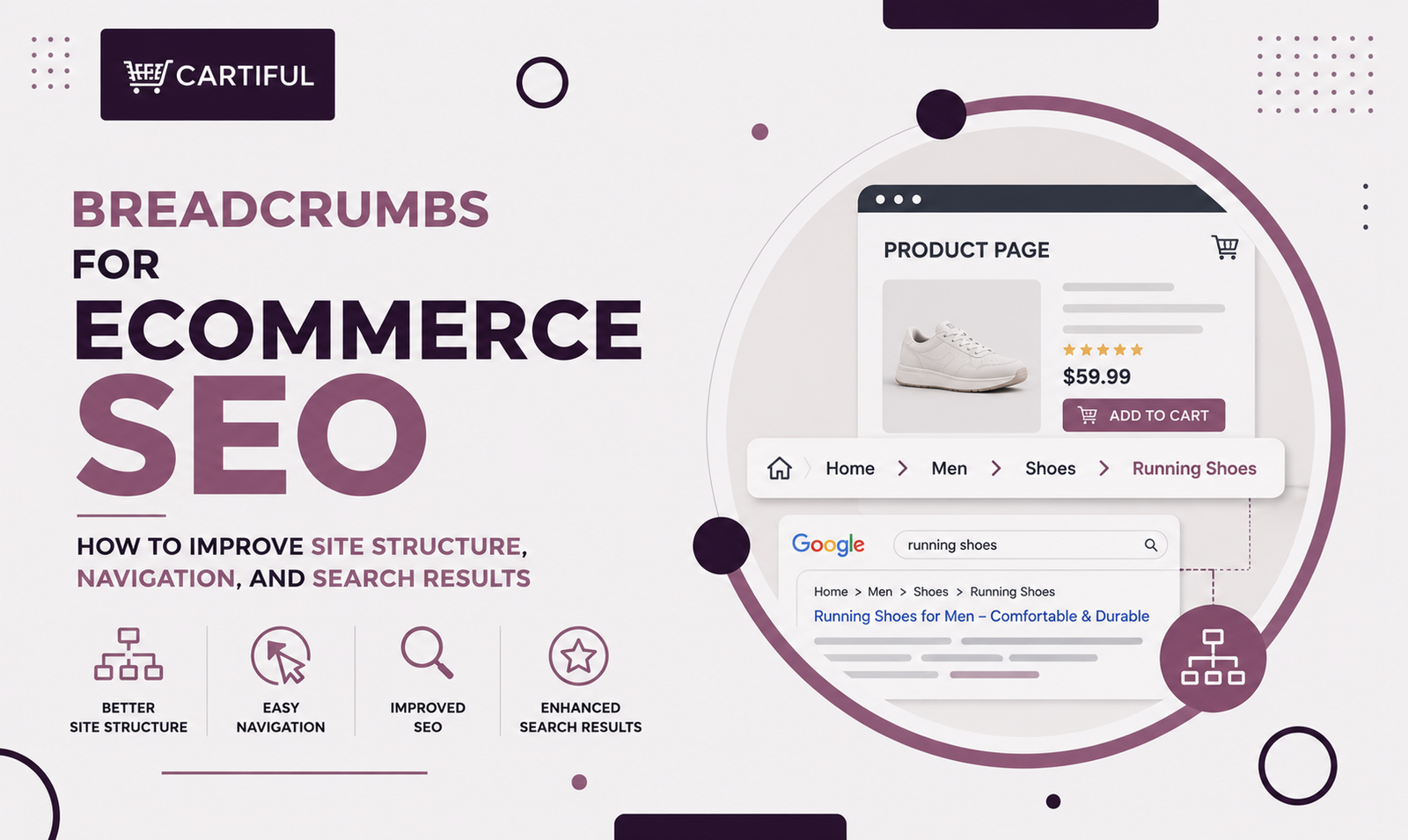
Breadcrumbs help shoppers understand where they are in an ecommerce store and move back to categories without opening the full menu. They also support SEO by giving Google clearer internal links between product, subcategory, and category pages.
Google says breadcrumbs show a page’s position in the site hierarchy and can help users explore a site more easily.
Breadcrumbs are not a shortcut to rankings.
They work best when the store already has a clear structure, crawlable links, strong category pages, and useful product grids. This matters even more on mobile, where shoppers often land directly on product pages from search, ads, email, or social and need quick context.
Baymard’s research also shows that breadcrumbs are especially useful on mobile because the main navigation is often hidden.
Quick Answer: What Is the Best Breadcrumb Setup for Ecommerce SEO?
For most ecommerce stores, the best breadcrumb setup is hierarchy-based.
Use breadcrumbs on category, subcategory, and product pages. Keep every linked step crawlable with normal anchor links. Make the path reflect the actual store hierarchy, not filters or session history.
Add BreadcrumbList structured data, keep product-page paths stable, and treat breadcrumbs as a support layer for navigation, not a replacement for menus, category links, pagination, or sitemaps.
What Breadcrumbs Actually Do for Ecommerce SEO
Breadcrumbs help ecommerce stores in three main ways:
- Improved Navigation
Shoppers can move from a product page back to the right category or subcategory with one click. This is especially useful on mobile, where the main menu is often hidden.
- Site Structure Support
Breadcrumbs create internal links from product pages to higher-level pages. This helps reinforce category and subcategory relationships across the store.
- Desktop Search Result Paths Support
Breadcrumb markup helps Google understand page hierarchy and may help show cleaner breadcrumb paths in desktop search results. Google no longer shows breadcrumb paths on mobile search results, so the bigger value is still navigation, structure, and clarity.
Breadcrumbs Are Useful, but They Do Not Replace Navigation
A common ecommerce mistake is expecting breadcrumbs to fix weak site structure.
Breadcrumbs are helpful, but they should not be the main way shoppers or crawlers find products. They do not replace:
- Main category navigation
- Subcategory links
- Product grid links
- Pagination on large collections
- Internal links from blogs, buying guides, and collection pages
- XML sitemaps or Merchant Center feeds when direct linking is limited
Google recommends linking from menus to categories, from categories to subcategories, and from subcategories to product pages. It also says that if category pages do not link to all products, Googlebot may not find every product through crawling alone.
A simple rule: breadcrumbs help users move upward. They are not meant to expose the entire catalog.
The Best Type of Breadcrumb for Ecommerce Stores
Hierarchy breadcrumbs are the most useful for ecommerce SEO. They show where the current page sits inside the store structure.
Examples:
Home > Men > Running Shoes > Nike Pegasus 41
Home > Furniture > Sofas > Leather Sofas > Chesterfield Sofa
Home > Skincare > Cleansers > Foaming Cleanser
This is different from history breadcrumbs, which show the path a user took during a session. History-based breadcrumbs may help in some browsing cases, but they are weaker for SEO because they do not reflect a stable page hierarchy.
For ecommerce SEO, the visible breadcrumb should usually follow the store’s real structure: category, subcategory, and product.
Why Breadcrumbs Matter More on Mobile
Breadcrumbs are often more useful on mobile than on desktop because mobile navigation is usually hidden.
Baymard’s mobile ecommerce research found that 36% of mobile sites with breadcrumbs fail to include the full category hierarchy on mobile product pages, which can leave shoppers unsure where they are in the store.
Baymard’s 2025 homepage and category navigation benchmark also found that 58% of desktop sites and 67% of mobile sites had mediocre-to-poor homepage and category navigation UX.
For store owners, the mobile rule is simple: keep the full category path visible enough to scan and easy enough to tap. If the path is too long, shorten labels or hide the homepage/product label, but do not remove the useful category steps.
A Strong Breadcrumb Pattern for Ecommerce Stores
Most ecommerce stores can start with this structure:
Home > Category > Subcategory > Product
For example:
Home > Women > Dresses > Midi Dresses > Satin Midi Dress
This structure gives shoppers useful context without making the path too long.
Use these practical rules:
- Keep labels short and clear
- Use category names shoppers recognize
- Avoid keyword stuffing in breadcrumb labels
- Keep the product as the final step
- Do not use campaign labels as the main path unless they are true structural pages
- Avoid paths based on filters, discounts, or temporary collections
A breadcrumb should help a new shopper understand where the product belongs. If it looks confusing to a shopper, it is probably weak for SEO too.
Product Pages Need Stable Breadcrumb Paths
Many ecommerce products appear in more than one category. That is normal. The key is choosing which breadcrumb path shoppers should see on the product page.
For most stores, the visible breadcrumb should stay static and consistent. Ahrefs recommends using a fixed breadcrumb path because it is easier for users to follow, even when a product belongs to multiple categories.
A practical rule:
Choose one primary breadcrumb path for the visible product page. Use multiple breadcrumb trails in structured data only when the alternate paths are real parts of the store structure. Google supports multiple breadcrumb trails when there is more than one valid navigation path.
Example:
Visible breadcrumb on the PDP:
Home > Men > Accessories > Bags > Leather Messenger Bag
Optional alternate trail in structured data:
Home > Work Bags > Messenger Bags > Leather Messenger Bag
This works if both paths are real category paths. It does not work if one path comes from filters, sales pages, or temporary campaign pages.
Breadcrumb Structured Data for Ecommerce Pages
Breadcrumb structured data uses the BreadcrumbList type. Schema.org describes BreadcrumbList as a chain of linked web pages, usually ending with the current page. It also uses position to show the order of items in the trail.
Google supports JSON-LD, RDFa, and Microdata for breadcrumbs. For most ecommerce teams, JSON-LD is the easiest to manage.
A basic product-page example:
{
“@context”: “https://schema.org”,
“@type”: “BreadcrumbList”,
“itemListElement”: [
{
“@type”: “ListItem”,
“position”: 1,
“name”: “Men”,
“item”: “https://www.example.com/men”
},
{
“@type”: “ListItem”,
“position”: 2,
“name”: “Running Shoes”,
“item”: “https://www.example.com/men/running-shoes”
},
{
“@type”: “ListItem”,
“position”: 3,
“name”: “Nike Pegasus 41”
}
]
}
Before rolling it out across the whole store, test a few product and category pages first. Check that the markup matches the visible breadcrumb trail and that the page can be crawled.
Breadcrumb Links Should Be Normal Crawlable Links
Breadcrumb steps should use normal internal links. This matters because Google uses links between pages to understand ecommerce site structure. Google specifically recommends using <a href> tags for links and not relying on JavaScript events on other HTML elements for navigation.
A safe breadcrumb setup looks like this:
<nav aria-label=”Breadcrumb”>
<a href=”/men”>Men</a>
<a href=”/men/running-shoes”>Running Shoes</a>
<span>Nike Pegasus 41</span>
</nav>
A breadcrumb should not only look clickable. It should be a real internal link when it points to a category or subcategory page.
Breadcrumbs Should Reflect Hierarchy, Not Filters
One of the biggest ecommerce breadcrumb mistakes is letting faceted filters or temporary views become the breadcrumb path.
Bad examples:
- Home > Men > Shoes > Black > Size 10 > In Stock
- Home > Sale > 30% Off > Weekend Picks > Product
These may reflect a temporary browsing state, but they do not usually reflect the real site hierarchy. Google’s ecommerce URL and site-structure guidance focuses on clear structure and warns that URL-based variations and alternate paths can create indexing and discovery issues when handled badly.
A better rule is:
- use stable category and subcategory levels in breadcrumbs
- keep filter states in the page UI, not in the breadcrumb trail
- do not let session history become the default hierarchy path.
Breadcrumbs Can Help Search Results Look Cleaner
Google says breadcrumb markup can help it show a more meaningful breadcrumb trail in search results. On ecommerce pages, this can replace messy-looking URLs with cleaner category context. That does not mean Google will always show the trail exactly as you mark it up, but the markup gives it a stronger structural signal.
This is one of the clearest SEO benefits of breadcrumb markup. It is not about raw ranking promises. It is about cleaner hierarchy signals and better search presentation.
Common Breadcrumb Mistakes on Ecommerce Stores
Avoid these mistakes during setup:
- Missing breadcrumbs on product pages
- Removing full category paths on mobile
- Using breadcrumbs that are not crawlable links
- Adding markup that does not match the visible breadcrumb
- Building breadcrumb paths from filters
- Showing unstable paths based on browsing history
- Adding multiple breadcrumb trails without real structure behind them
- Expecting breadcrumbs to fix weak category and product linking
- Treating URL folders as the only structure signal
The best test is simple: land on the product page as a new shopper. If the breadcrumb does not explain where you are, it needs work.
Practical Breadcrumb Examples
Strong Category Page Breadcrumb
Home > Furniture > Sofas
This works because it is short, structural, and gives the shopper one easy step back.
Strong Product Page Breadcrumb
Home > Women > Dresses > Midi Dresses > Satin Midi Dress
This works because it shows a clear product location and gives shoppers useful category paths to browse.
Weak Product Page Breadcrumb
Home > New Arrivals > Trending Now > Staff Picks > Satin Midi Dress
This may work as a merchandising path, but it is usually weak as the main breadcrumb because it does not show a stable catalog structure.
A Practical Breadcrumb Checklist For Ecommerce Stores
Use this checklist before rollout or during an ecommerce SEO audit.
Structure
- Does the breadcrumb follow the real category hierarchy?
- Does it help shoppers move upward one level at a time?
- Is the visible path stable across sessions?
- Are category names clear and shopper-friendly?
Product Pages
- Does each product page show a useful category path?
- Is the full path usable on mobile?
- Is the product assigned to a sensible primary path?
- Are alternate paths used only when they are real store paths?
Technical Checks
- Are breadcrumb steps real <a href> links?
- Does the page include valid BreadcrumbList markup?
- Does the markup match the visible breadcrumb trail?
- Is the page crawlable and indexable?
- Has the markup been tested before full rollout?
Large Catalog Checks
- Are breadcrumbs supporting the hierarchy rather than replacing category links?
- Are faceted and filtered paths kept out of the main breadcrumb?
- Are high-value categories and products linked from other key pages, too?
- Are sitemaps or product feeds used when direct linking is limited?
AEO and GEO Note: Why Breadcrumbs Help Page Clarity
Breadcrumbs also support AI search readiness because they make page context clearer. They tell crawlers and answer systems whether a page is a product, subcategory, category, or collection page.
That does not guarantee AI mentions, but it can reduce ambiguity around where a page fits in the store.
For ecommerce brands, that matters when product pages, category pages, paid landing pages, and blog content all connect around the same product lines.
Frequently Asked Questions
1. Do breadcrumbs help ecommerce SEO?
Yes. Breadcrumbs help ecommerce SEO by supporting site structure, internal linking, and page hierarchy. They also help shoppers move from product pages back to categories. Breadcrumb markup can still support desktop search-result paths, but Google no longer shows breadcrumb paths in mobile search results.
2. Are breadcrumbs a ranking factor?
Google does not present breadcrumbs as a standalone ranking factor. Their value is practical: better navigation, clearer internal links, stronger page hierarchy signals, and more useful structured data.
3. Should product pages have breadcrumbs?
Yes, most ecommerce product pages should have breadcrumbs. Product pages often receive traffic from ads, social media, email, search, and marketplace campaigns. Breadcrumbs help shoppers understand where the product sits and move back to related categories.
4. What is the best breadcrumb type for ecommerce SEO?
Hierarchy breadcrumbs are best for ecommerce SEO. They show the real catalog path, such as Home > Category > Subcategory > Product. History-based breadcrumbs are less useful for SEO because they change based on how the shopper arrived.
5. Should breadcrumbs include filters?
Usually no. Breadcrumbs should reflect stable category structure, not filters such as color, size, price, availability, or discount level. Keep filters in the product listing interface.
6. Can one product page have multiple breadcrumb trails?
Yes, but only when the product truly belongs in more than one valid browsing path. The visible breadcrumb should usually use one primary path, while structured data can include alternate valid paths when they make sense.
7. Should breadcrumb links use JavaScript?
Breadcrumb links should use normal anchor links when they point to categories or subcategories. Google recommends using <a href> tags for navigational links.
8. Do breadcrumbs replace internal linking?
No. Breadcrumbs support internal linking, but they do not replace menus, category links, subcategory links, product grids, blog-to-category links, pagination, sitemaps, or Merchant Center feeds.
Final Takeaway
Breadcrumbs work best when they reflect a real store hierarchy. Keep them clear, crawlable, stable, and useful on mobile so shoppers can move from product pages back to the right categories with less friction. (Baymard Institute)
Need help improving your store structure, product pages, and ecommerce SEO? Cartiful can help you turn a cleaner website experience into better traffic, stronger ads, and more sales.