Skip to content
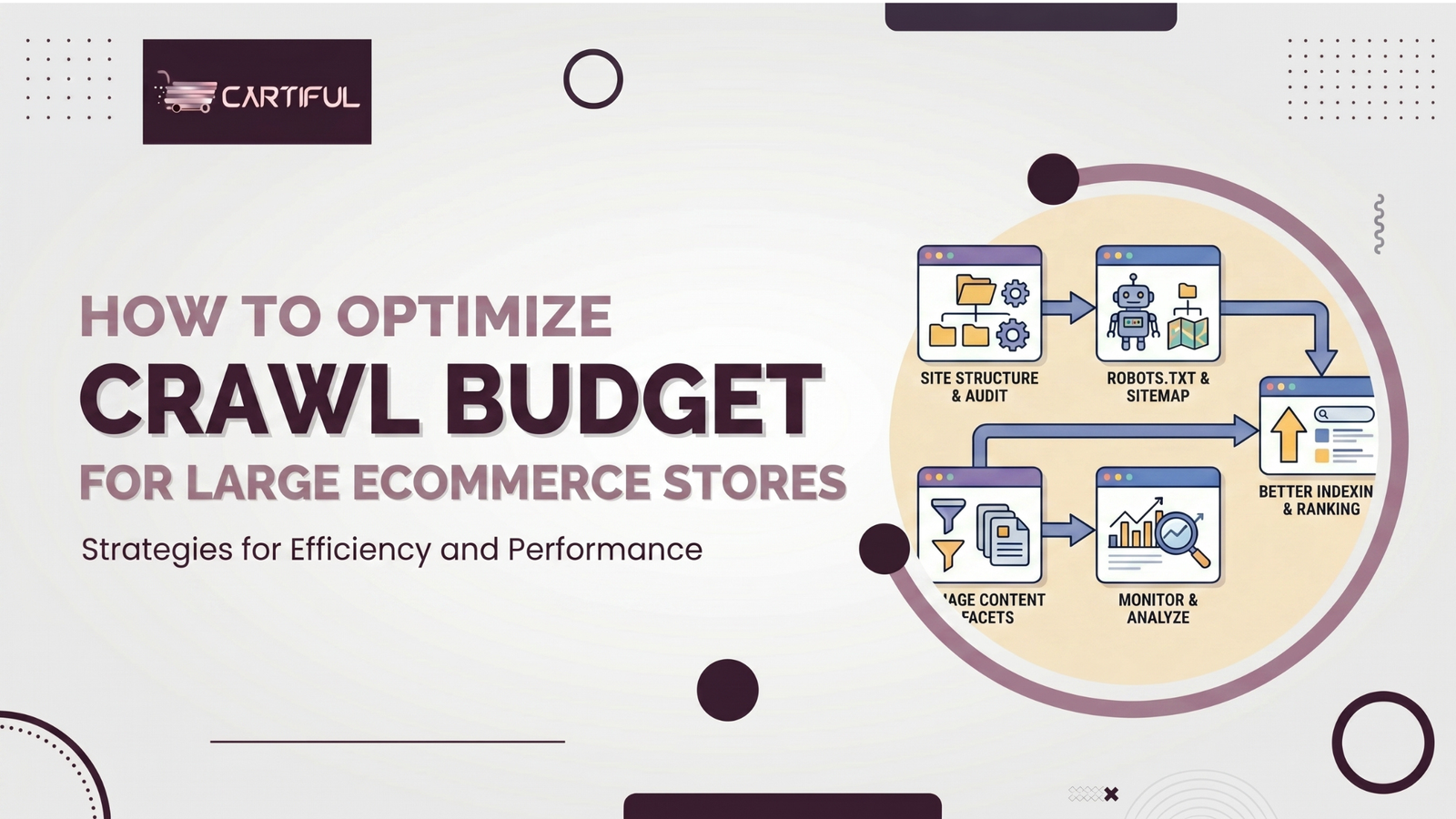
Large ecommerce stores often generate far more URLs than search engines need to crawl. Product variants, faceted filters, sort orders, internal search pages, tracking parameters, and outdated URLs can pull attention away from pages that actually drive rankings and revenue.
Crawl budget refers to the number of URLs search engines are willing and able to crawl on your site. It becomes especially important for large or fast-changing ecommerce stores, particularly when many pages remain in “Discovered – currently not indexed.”
For ecommerce teams, crawl budget is not just a technical SEO task. It directly affects how quickly new products are discovered, how often key category pages are refreshed, and whether search engines focus on revenue-driving pages or low-value URL clutter.
The goal is simple: reduce crawl waste and make high-value pages easier to discover, faster to fetch, and clearer to prioritize. That means controlling faceted navigation, consolidating duplicate URLs, improving internal linking, maintaining server performance, and keeping sitemaps clean and focused.
What Crawl Budget Actually Means
Crawl budget is shaped by two things: how much crawling your server can handle, and how much demand search engines have for your URLs.
In simple terms, search engines crawl pages they consider important, fresh, and worth revisiting, but they also adjust their crawling based on site speed, stability, and URL quality.
That matters in large ecommerce stores because not every crawlable URL deserves attention. If your site keeps generating duplicate or low-value parameter combinations, search engines may spend time on those pages instead of revisiting key category pages, best sellers, or newly added products.
When Crawl Budget Is Actually a Problem
Not every ecommerce site has a crawl budget problem. For many small stores, keeping sitemaps up to date and maintaining a clean site structure is enough.
It becomes a serious issue when a store has a very large catalog, frequent URL changes, heavy faceted navigation, or long delays in crawling and indexing important pages.
Common warning signs include:
- New products taking too long to appear in search
- Important category pages being recrawled slowly
- Many URLs showing as discovered but not indexed
- Crawl activity going to parameterized or low-value pages
- Server slowdowns, timeouts, or spikes in 5xx errors during crawls
Why Ecommerce Sites Waste Crawl Budget
1. Faceted navigation creates URL explosions
Filters are useful for shoppers, but they become a problem when every combination generates a crawlable URL. Faceted navigation can quickly create near-infinite URL variations when not properly controlled, a common cause of crawl inefficiency, as highlighted in Google’s crawl budget guidelines.
2. Duplicate and near-duplicate URLs pile up
The same product or category can appear through multiple parameter paths, tracking URLs, sorted versions, or internal search pages. When duplication is not consolidated, crawlers spend time on repeated content instead of focusing on unique, valuable pages.
3. Soft errors and broken states eat crawl resources
Soft 404 pages, empty categories, expired product pages with poor handling, and thin internal search results can waste crawl activity. These low-value pages absorb attention that should be going toward indexable, revenue-driving content.
4. Weak internal linking hides important pages
If high-margin categories or new arrivals are buried too deep, search engines receive weaker signals about their importance. Strong internal linking for ecommerce stores helps surface priority pages and improves crawl demand where it matters most.
5. Slow servers and server errors lower crawl capacity
Fast response times signal a healthy site and can support more efficient crawling. Slow responses, timeouts, and repeated 5xx errors reduce crawl activity and limit how often important pages are revisited.
The Core Strategy: Shrink Waste, Strengthen Signals
A strong crawl budget setup for a large store usually comes down to five jobs:
- Reduce low-value crawlable URLs
- Consolidate duplicate content paths
- Improve server speed and reliability
- Push authority toward important categories and products
- Keep sitemaps and internal links focused on indexable pages only
Step 1: Audit Your URL Inventory First
Before changing robots rules or canonicals, map the full URL landscape. On large ecommerce stores, the sitemap rarely shows the whole picture.
Group URLs by type:
- product pages
- category pages
- faceted URLs
- sort URLs
- internal search pages
- parameter URLs
- pagination
- tracking URLs
- out-of-stock URLs
- discontinued URLs
The key question is not how many URLs exist. It is which URL groups actually deserve recurring crawling and indexation. On most large stores, only a fraction of the total inventory should be crawled and indexed regularly.
Step 2: Decide Which Pages Deserves Indexing
Pages that usually deserve crawl priority:
- main category pages
- high-demand subcategory pages
- core product pages
- valuable brand pages with real search demand
- commercial guides or buying content tied to category intent
- a small number of high-value filtered pages with proven demand
Pages that usually do not deserve repeated crawling or indexation:
- sort orders
- internal search results
- deep filter combinations
- session or tracking parameters
- duplicate category paths
- empty low-value tag pages
- thin discontinued product pages with no useful replacement path
Step 3: Get Faceted Navigation Under Control
For most large ecommerce stores, this is where the biggest crawl waste happens. Faceted navigation can generate near-infinite URL combinations when filters such as color, size, price, material, brand, and sort options each create new crawlable states.
What to do:
- keep only a small number of high-value faceted pages indexable
- block useless crawl paths when they should not be crawled
- use canonical tags where duplicate states need consolidation
- avoid linking search engines into endless filter combinations
- keep sort and tracking parameters out of crawl paths where possible
Example
A footwear store may have this category:
/mens-shoes/
But then generate:
/mens-shoes/?color=black
/mens-shoes/?color=black&size=10
/mens-shoes/?color=black&size=10&sort=price_asc
/mens-shoes/?brand=nike&price=100-200&material=leather
If those URLs are crawlable, linked internally, and not controlled, they create waste fast. In many stores, only one or two filtered combinations in a category are worth indexation. The rest should be treated as user-experience pages, not SEO landing pages.
Step 4: Consolidate Duplicate Content Paths
Duplicate paths are common on ecommerce sites. The same product or category can appear through parameter URLs, alternate category routes, internal search pages, trailing-slash variations, or inconsistent protocol and subdomain handling.
Practical fixes:
- enforce one canonical URL for each product
- standardize internal linking to that canonical URL
- redirect obsolete duplicate versions where appropriate
- remove duplicate URLs from XML sitemaps
- keep canonical logic stable across templates
Canonicals help, but they work best when your internal links, sitemaps, and templates all reinforce the same preferred URL.
Step 5: Tighten XML Sitemap Quality
On large stores, sitemaps should work as a clean crawl signal, not as a dump of every possible URL state.
Good sitemap rules for large stores
- Include only canonical, indexable, 200-status URLs
- Exclude parameter pages, redirects, soft 404s, and noindexed URLs
- Split sitemaps by logical type, such as products, categories, brands, and content
- Update lastmod only when meaningful page changes happen
- Use sitemap index files for scale
A sitemap should be a quality list, not a storage dump.
Step 6: Improve Internal Linking to Important Pages
Internal linking helps search engines understand which pages matter most. When your top categories, seasonal collections, best sellers, and new launches are linked from strong pages, crawl demand and page discovery become more focused.
Strong internal linking patterns include
- linking parent categories to top subcategories
- linking subcategories to best-selling products
- adding editorial links from buying guides to commercial pages
- surfacing new collections from homepage, navigation, and category hubs
- using breadcrumbs to reinforce hierarchy
- fixing orphan product pages
If a page matters for revenue, it should not depend only on the sitemap to be discovered. A well-planned internal linking strategy for ecommerce stores helps search engines prioritize high-value pages and improves overall crawl efficiency.
Step 7: Fix Server Health and Response Times
Site performance directly affects crawl efficiency. Slow responses, repeated server errors, and unstable hosting can reduce how effectively important pages are crawled.
Actions that help
- reduce TTFB on product and category templates
- cache high-traffic listing pages properly
- monitor load during promotions
- fix 5xx, DNS, and timeout issues quickly
- reduce heavy rendering bottlenecks on important templates
On large ecommerce stores, crawl efficiency and site performance are closely connected. If infrastructure is unstable, technical SEO fixes alone will not solve the problem.
Step 8: Clean Up Soft 404s and Dead Ends
Google lists soft error pages among the main drains on crawl activity. On ecommerce sites, soft 404 patterns often show up as:
- Empty category pages with almost no products
- Out-of-stock pages with no value
- Internal search pages with thin results
- Discontinued PDPs showing “product unavailable” but still returning 200 status
- Filter pages with zero results but no clear handling
Better handling
- Return proper 404 or 410 status when a page truly has no future value
- Redirect discontinued PDPs only when the replacement is genuinely relevant
- Keep useful out-of-stock pages live only if demand and equivalent alternatives exist
- Avoid thin “no products found” pages sitting in sitemaps or internal link chains
Step 9: Monitor Crawl Stats Properly
Search Console’s Crawl Stats report gives you useful data on total requests, average response time, file types, host status, and examples of crawl requests. Use it to compare before and after major SEO changes.
What to watch
- Are crawl requests shifting toward products and categories?
- Is average response time improving?
- Are 5xx or host issues dropping?
- Are wasted requests hitting parameter URLs less often?
- Are important templates being refreshed more consistently?
A crawl budget project should produce measurable movement, not just cleaner theory.
Step 10: Align SEO With Merchandising and Platform Rules
Many crawl issues are not caused by SEO teams alone. Merchandising teams create filter logic, dev teams introduce parameter behaviors, and ecommerce platforms auto-generate URLs in ways nobody reviews until rankings slow down.
That is why the best crawl budget fixes are operational:
- Agree on which filter combinations deserve landing pages
- Lock down template-level canonical logic
- Define product lifecycle rules for out-of-stock and discontinued URLs
- Make sitemap generation conditional on indexability
- Review nav and internal search behavior during releases
A Simple Crawl Budget Framework for Large Ecommerce Stores
Tier 1: Must-crawl pages
- Main categories
- Subcategories with search demand
- High-priority PDPs
- Core brand pages
- Evergreen commercial content
Tier 2: Controlled pages
- Select faceted landing pages with proven demand
- Seasonal collection pages
- Temporary campaign pages with real organic opportunity
Tier 3: User-only pages
- Sort orders
- Internal search results
- Most filter combinations
- Session parameters
- Tracking URLs
- Empty states
This framework helps teams decide faster instead of arguing page by page.
Real-World SEO Community Takeaways
In SEO community discussions, crawl budget problems on ecommerce sites often show up as query-string explosions, faceted URL sprawl, and major mismatches between sitemap counts and Google’s discovered URLs.
One discussion on filtered URLs consuming crawl budget described a large ecommerce site where parameterized URLs were being crawled more often than the canonical category pages they pointed to.
Another TechSEO discussion on massive index bloat on an ecommerce site highlighted a familiar pattern: low-value and duplicate URLs from faceted navigation, session parameters, and internal search pages were expanding the index and creating crawl inefficiencies.
These examples do not prove that cutting URLs always improves rankings, but they do reinforce a common pattern on large stores: when duplication and low-value URL inventory are reduced, crawl focus usually improves.
Common Mistakes to Avoid
Blocking before understanding
Do not start by blocking entire sections in robots.txt without mapping what is actually valuable. Bad blocks can cut off useful pages from crawling.
Thinking canonicals solve everything
Canonicals are hints, not magic. If internal links, sitemaps, and templates keep promoting duplicate URLs, crawl waste can continue.
Leaving search and filter pages indexable by default
This is one of the most common ecommerce SEO mistakes because platforms often make it easy to generate pages and hard to control them later.
Treating every product URL as equal
Not every SKU deserves the same crawl priority. Thin, duplicate, retired, or almost-never-searched product pages should not compete with your strongest commercial pages for crawl attention.
Ecommerce Crawl Budget Checklist
Use this as your working checklist:
- Audit all URL types across the store
- Separate index-worthy pages from user-only pages
- Control faceted navigation aggressively
- Canonicalize and consolidate duplicate URLs
- Keep internal linking aligned with canonical URLs
- Exclude junk URLs from XML sitemaps
- Monitor Search Console Crawl Stats weekly
- Fix 5xx, timeout, and host issues quickly
- Review discontinued and out-of-stock page handling
- Recheck crawl patterns after major site releases or migrations
How Cartiful Solves Crawl Budget Issues on Large Ecommerce Stores
Cartiful approaches crawl budget as a structured, revenue-focused process designed to reduce crawl waste and strengthen the pages that drive organic growth.
- Inventory pass: map all URL patterns across the store and identify where crawl activity is being wasted
- Control pass: fix faceted navigation, duplicate paths, sitemap quality, and template-level crawl rules
- Priority pass: strengthen internal linking toward revenue-driving categories, collections, and products
- Monitoring pass: track crawl stats, indexation trends, and organic visibility after implementation
Instead of treating crawl budget as a one-time technical fix, this approach ties SEO decisions directly to how products, categories, and collections perform in search.
If your store is dealing with crawl inefficiencies or index bloat, it’s a clear sign of deeper structural issues. A focused review from Cartiful can identify exactly where crawl waste is limiting organic visibility and slowing down growth.
Final Take
Optimizing crawl budget for a large ecommerce store is about reducing crawl waste and helping search engines focus on pages that can rank, convert, and update consistently.
The core principles are straightforward: manage URL inventory, reduce duplicate and low-value paths, maintain strong server performance, and make important pages easier to discover and revisit.
If your store has grown into a mix of filters, parameters, empty pages, and duplicate states, crawl budget is no longer a background task. It directly affects how efficiently your SEO efforts translate into visibility and revenue.